Armando Lucero is a sleight-of-hand artist whose work explores the boundary between perception and reality. Performing for audiences around the world—from theaters and television to intimate, close-up settings—his approach to magic is not simply to entertain, but to reveal how the mind constructs what it believes to be real.

His performances have appeared in productions such as The Illusionists 1903, Las Vegas shows, international television programs in Europe and Asia, cruise lines, and theaters and universities across the United States and abroad. Yet, despite these large stages, Lucero has consistently favored the immediacy of close-up performance, where the experience becomes personal, direct, and unforgettable.

Lucero’s work is rooted in what he describes as perceptual engineering—the deliberate shaping of attention, memory, and expectation to create experiences that feel impossible. While grounded in sleight-of-hand, his performances extend beyond technique into a deeper exploration of human awareness. Each piece is constructed through years of experimentation, where intuition and structure meet: part art, part science.

His interest in this work began at the age of six, when his brother made a marble vanish and reappear in his hands. The mystery of the method fascinated him—but it was the realization that the mind could be guided to see what was not there that set him on a lifelong path. That moment continues to inform his work today.

Over time, Lucero’s investigations have drawn the interest of not only magicians, but also individuals from fields such as psychology, neuroscience, engineering, and the arts—those who recognize that the principles behind deception and perception extend far beyond the stage. Through performance and teaching, he shares a body of work that offers both astonishment and insight, including through his ongoing project, The Hungry Imagination (thehungryimagination.com).

Unlike traditional magic, which often emphasizes spectacle, Lucero’s performances are composed with restraint and precision. The goal is not to overwhelm, but to create a moment where the impossible feels quietly undeniable—where the audience is left not with a puzzle to solve, but with an experience they cannot fully explain.

At its core, his work asks a simple question:
If perception can be guided so easily, what else might we be missing?

Shibumi, at least for me: doing what I want when I want without those burdensome tension thoughts pulling me down. Just hanging in that sweet spot of precarious balance between too much and too little—an intersection of blissful fluctuation while sitting with cards, coins, and coffee.

— Armando Lucero

The term shibumi is Japanese and is explored at length in the novel Shibumi by Trevanian. You can read more about the book here: ABOUT Shibumi (Wikipedia)

The short reflection above is my own adaptation, inspired by Trevanian’s use of the word and the sensibility he describes. What follows is an excerpt from the novel, quoted here to preserve the original context and language:

“He sounds as though I shall like him, sir.”

“I am sure you will. He is a man who has all my respect. He possesses a quality of . . . how to express it? . . . of shibumi.”

“Shibumi, sir?” Nicholai knew the word, but only as it applied to gardens or architecture, where it connoted an understated beauty. “How are you using the term, sir?”

“Oh, vaguely. And incorrectly, I suspect. A blundering attempt to describe an ineffable quality. As you know, shibumi has to do with great refinement underlying commonplace appearances. It is a statement so correct that it does not have to be bold, so poignant it does not have to be pretty, so true it does not have to be real. Shibumi is understanding, rather than knowledge. Eloquent silence. In demeanor, it is modesty without pudency. In art, where the spirit of shibumi takes the form of sabi, it is elegant simplicity, articulate brevity. In philosophy, where shibumi emerges as wabi, it is spiritual tranquility that is not passive; it is being without the angst of becoming. And in the personality of a man, it is . . . how does one say it? Authority without domination? Something like that.”

Nicholai’s imagination was galvanized by the concept of shibumi. No other ideal had ever touched him so.

“How does one achieve this shibumi, sir?”

“One does not achieve it, one . . . discovers it. And only a few men of infinite refinement ever do that. Men like my friend Otake-san.”

“Meaning that one must learn a great deal to arrive at shibumi?”

“Meaning, rather, that one must pass through knowledge and arrive at simplicity.”

Privacy • Terms of Use
© 2026 The Hungry Imagination
↓ Drag box to shelf ↓

After you confirm

After confirming your Master Course, you will receive a brief email outlining the next steps, along with the NDA.

You will be invited to suggest a preferred day and time for your sessions. If your initial choice is not available, we will arrange a suitable alternative together.

Sessions may be scheduled weekly or every two weeks, depending on your preference and pace.

Once confirmed, you will receive your Zoom link and session schedule.

Each session is recorded and made available to you afterward.

Preparing for your sessions

Set your camera to capture your face and hands at a table with a close-up pad.

Pasteboard Devices — deck of cards
Coin Menagerie — cards and coins (four half dollars)
Both — all materials

We will refine your setup during the first session.

Check your time

Las Vegas Time Reference
Las Vegas: 8:00 AM – 6:00 PM
Your time: Loading…
Use this as a quick reference when arranging a Zoom session.

Closest hotel

Home2 Suites by Hilton Las Vegas I-215 Curve.
8470 W. Sunset Road, Las Vegas, Nevada, 89113, USA.
Website: Link

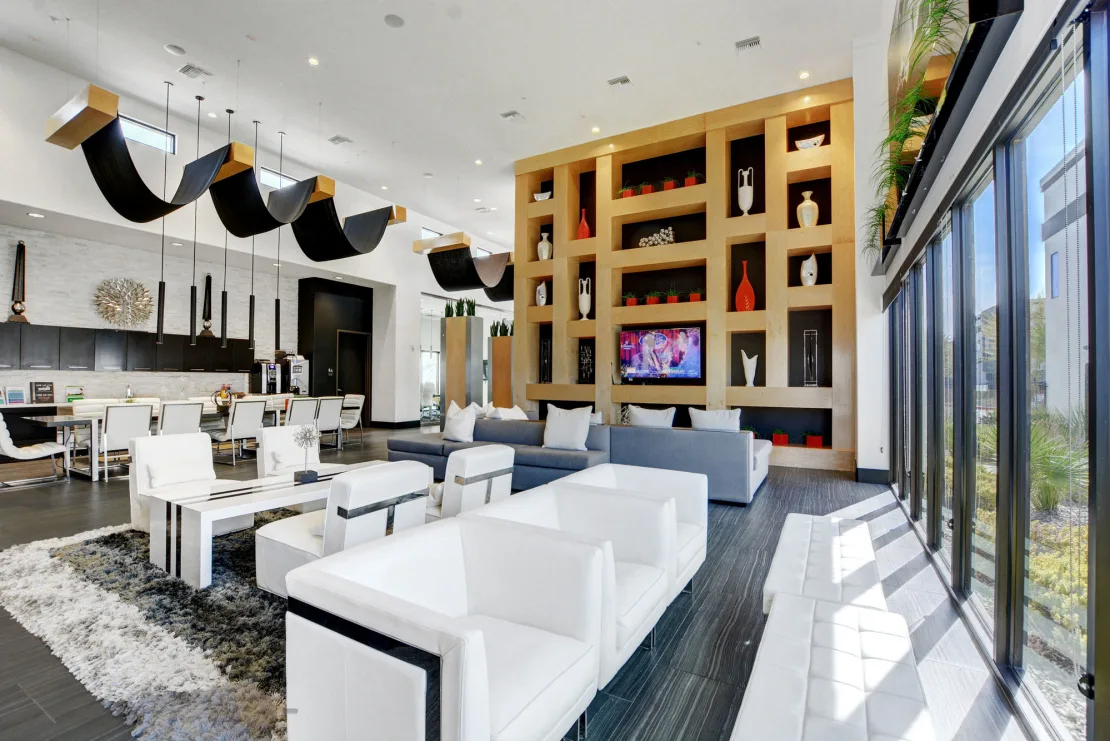
This is the closest hotel to my apartments (Evo, 8760 W Patrick Ln, Las Vegas, NV 89148) and the most convenient option for those attending a Master Course.

Rates typically begin around $150 per night, depending on season and availability.

The distance is short, though the walk may take 20–30 minutes. In milder weather it is manageable; during hotter months, a brief rideshare is recommended.

Hotel → EVO: View on Google Maps
Hotel → Mothership Coffee: View on Google Maps

If you’re staying at this hotel, we meet at Mothership Coffee in the morning. From there, we go to my apartment where the session takes place. Afterward, I’ll return you to the hotel.

Rideshare services such as Uber or Lyft are readily available.

EVO Apartments

we meet here, then go to my apartment

MEMBER NOTES — QUICK TIPS

What this is: a private notes pad for this page. Your notes are end-to-end encrypted in your browser and can be synced so you can pick them up later.

How to use

  1. Type → Save & Lock → Safe. Locking encrypts and saves your notes.
  2. Unlock to edit. You’ll enter your passphrase to decrypt.

Sync states

  • Synced: encrypted copy on server (still private).
  • Local: only on this device until you Save & Lock with Sync on.
  • Locked: read-only until you enter your passphrase.
  • Unlocked: editable; remember to Save & Lock when done.

Passphrase tips

  • Use a short phrase you’ll remember (about 4–5 words).
  • We never store your passphrase. If you forget it, we can’t unlock your notes.

Restore notes (when the box looks empty)

  1. Shows “Unlock”? Click Unlock and enter your passphrase.
  2. Banner: “We found synced notes for this page…” → enter your passphrase to Sync & Retrieve, then Unlock.
  3. No message? Close the Member Notes box (click the badge), then open it again; enter your passphrase if prompted.
  4. Full step-by-step ↗

Export

  • Export as Markdown / Plain TXT (when unlocked). On desktop: under MoreExport. On mobile: tap the Export button.
  • Save as PDF… uses your browser’s print dialog.

Common questions

  • Blurred notes? They’re locked. Click Unlock.
  • Synced but empty? Click Unlock to reveal synced notes.
  • Can you read my notes? No—end-to-end encrypted.

Troubleshooting

  • Forgot passphrase: cannot decrypt. Use Reset to start fresh.
  • Cleared history: with Sync on, reopen the box and Unlock to pull the synced copy.
  • Unlock fails: re-enter carefully; ensure Sync state is correct; refresh and try again.

Finding the Notes Shelf

  • Where it lives: A rounded Member Notes button sits at the bottom-center of the page.
  • When it appears: It becomes visible after the page finishes loading and you scroll a little. If you don’t see it, try a small scroll.
  • Open / close: Click or tap the Member Notes button to open the editor; click the button again (or the “×” inside the box) to close.
  • Keyboard access: Press Tab until the Member Notes button is focused, then press Enter or Space.
  • If it blends with the page: Watch the bottom edge—on first visits the button may show a subtle ring. You can also briefly scroll down/up to reveal it.
  • Mobile: Scroll slightly and look at the bottom-center; tap the Member Notes button to open/close.
  • During full-page print: The shelf hides automatically so it won’t appear in your PDF printout.

Shortcuts

  • Export dialog: Ctrl/⌘ + Shift + E
  • Undo / Redo: Ctrl/⌘ + Z / Ctrl/⌘ + Shift + Z
  • Export Markdown test: Ctrl/⌘ + Shift + M
  • Export TXT test: Ctrl/⌘ + Shift + T
  • Lock/Unlock test: Ctrl/⌘ + Shift + L
  • Sync test: Ctrl/⌘ + Shift + S

Privacy & safety

  • End-to-end encrypted with your passphrase.
  • Your passphrase is never sent to or stored on our servers.